Google Liquid Galaxy

How it works
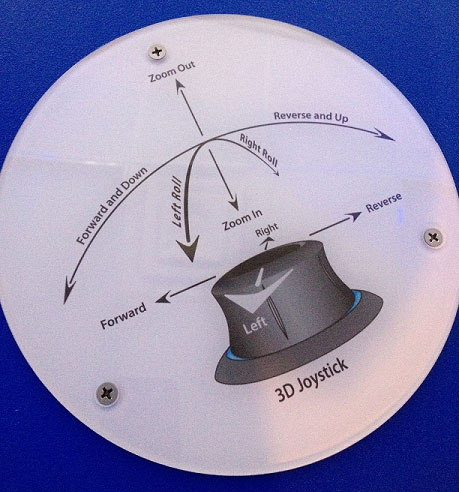
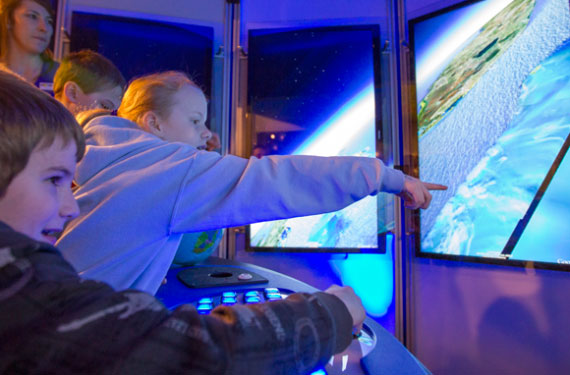
Your turn? Step into the chamber of huge monitors. Put your hand on the 3D joystick. Do you want to soar up, flying high above the earth? Pull up on the joystick, and keep pulling up until all you see is blue. You're in outer space. Need a little oxygen? Time to return to earth and explore? Push down on the joystick. The earth is coming in to view.
Notice that the harder you push down on the joystick, the faster you free-fall. Experiment with the speed of your free-fall. Where would you like to go? The Pyramids in Egypt? Or maybe you'd rather start with your own neighborhood?
Start with zooming in close enough so you can see the entire earth. Find your destination's continent; use the joystick to center the continent on the monitors. Zoom in closer and closer, moving the joystick in different directions as you watch for details that help you find your destination.
For example, if you're looking for a house in Ann Arbor, Michigan, start with locating North America and using the joystick to center it on the monitors. Zoom in a little closer. See Michigan? Keep an eye on Michigan as it gets bigger and bigger, use the joystick, moving it left and right, forward and backward, until you zero in on south eastern Michigan.
Slowly zoom closer, do you see Ann Arbor? Use the joystick to bring Ann Arbor to the center. Zoom closer even more slowly; do you see a street you recognize?
Use the familiar streets to help locate your neighborhood, your street, and finally your house.
What's going on?
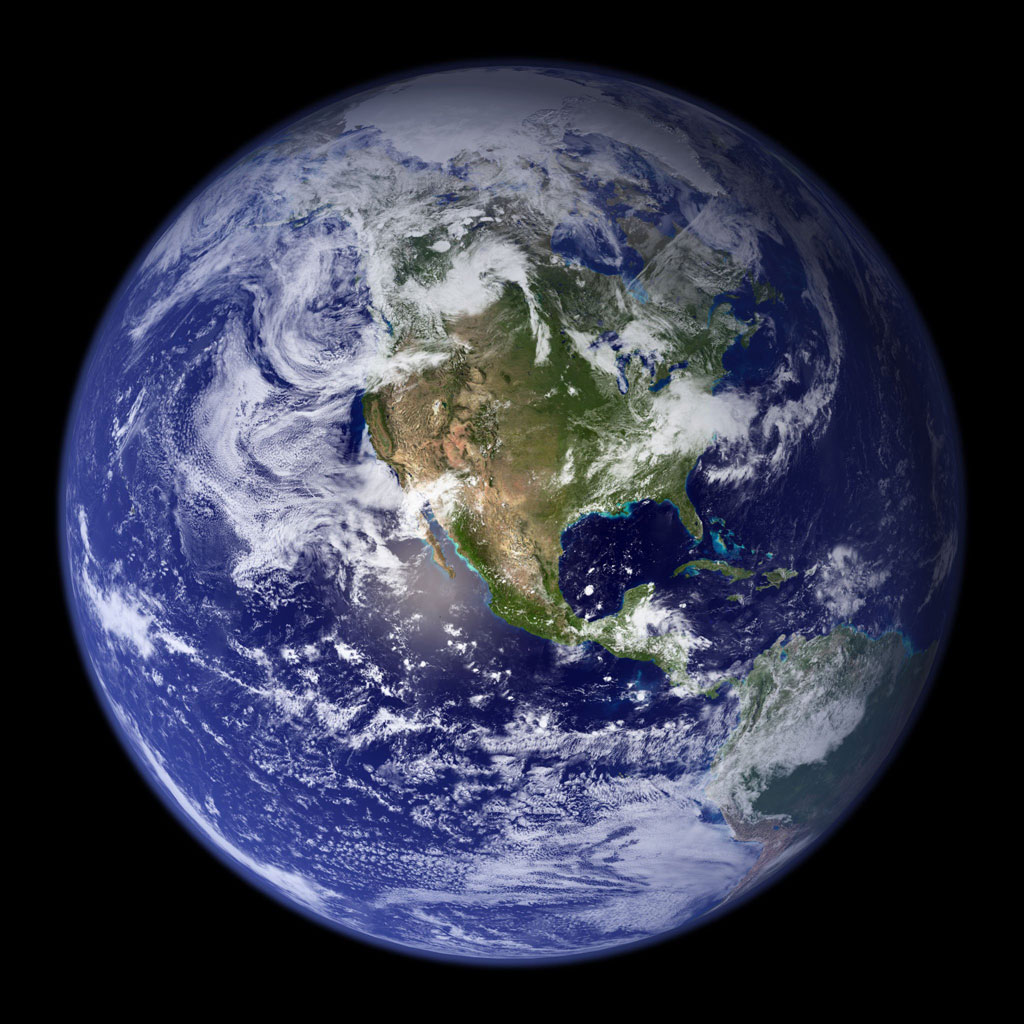
You're looking at the earth from space and then within a very short time you zoom to a view of your roof. How is this possible? Google Earth uses a group of flat tiles to mimic the earth's round shape. When you are viewing the earth from space, fewer tiles are required to give the illusion of roundness.
As you zoom in, each tile is broken into smaller tiles. As you free-fall closer and closer to earth, smaller and smaller tiles are required for a realistic view.
The zillions of separate photographs used to create these tiles are taken by a variety of sources. Most are taken in orbit from the Space Shuttle or satellites. The more detailed close shots are taken from airplanes. The photos currently in use were taken anytime in the past three years.
Try this at home!
What you'll need:
A computer or device that has Google Earth installed. There are online tutorials available for learning how to use Google Earth (http://www.google.com/earth/learn/)!
What you'll do:
Once you understand how to use Google Earth, challenge a friend to a "where in the world" competition. One player will pick a location and make a short list of clues to be given one at a time. Make the first clue the hardest, and the last clue the easiest. The opponent will follow the clues using Google Earth to uncover the secret destination.
Here's a sample of clues:
- Cross east over the Atlantic Ocean.
- You're not done with blue yet, you'll need to cross a sea.
- The last bit of blue, you can do it, "Channel" your efforts.
- Do you see Salisbury? You're almost there.
- A rocky trip? Your destination is a prehistoric monument.
Where in the world are you?
In Stonehenge, the remains of a mysterious ancient ring of large standing stones (varying in size and weight from over 100 feet and 50 tons, to the size of a human) located in Wiltshire, England.
In the real world
Yes, experimenting with Google Liquid Galaxy here and with Google Earth at home is a lot of fun. But did you know this technology has this many uses?
- Need directions to a destination? No problem, enter information such as a street name, city, or a business name, and you'll be on your way.
- Teachers use Google Earth to teach geography and travel the world with their students without leaving the classroom.
- Planning a vacation? Use Google Earth to "see" where you are going before you go.
- Remember Hurricane Katrina? Our government used Google Earth to help emergency medical responders locate people in trouble. Wow.